
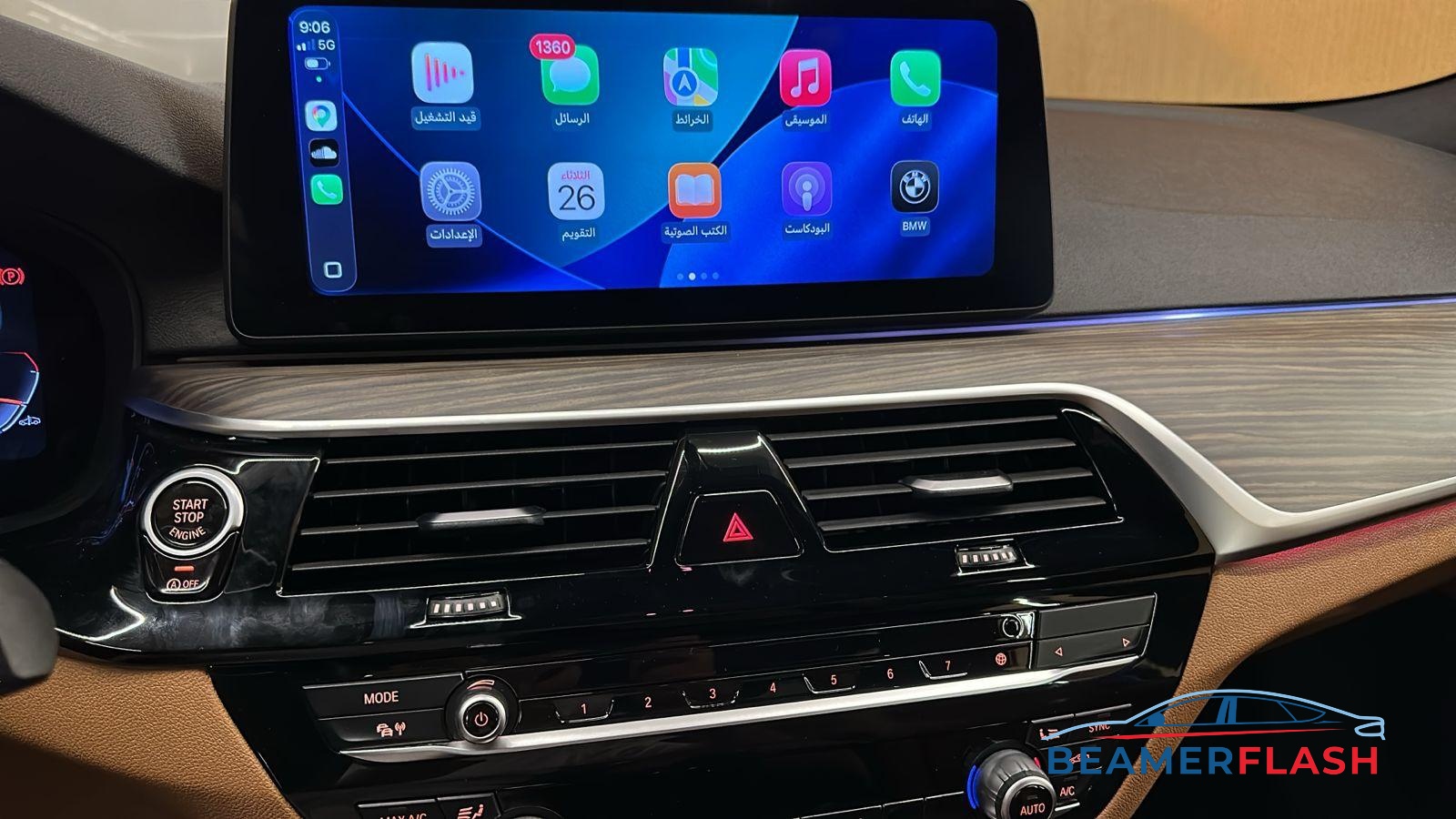
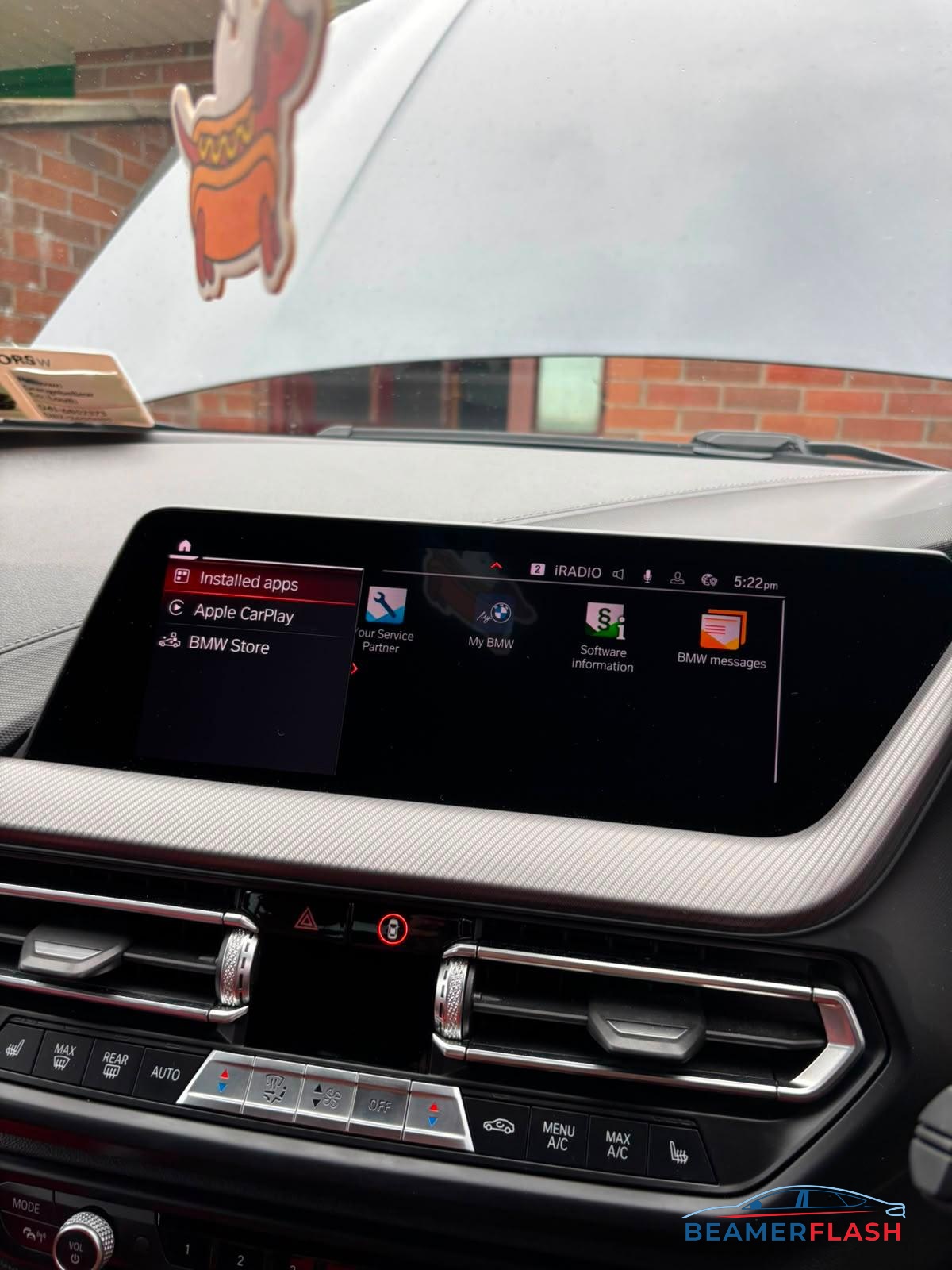
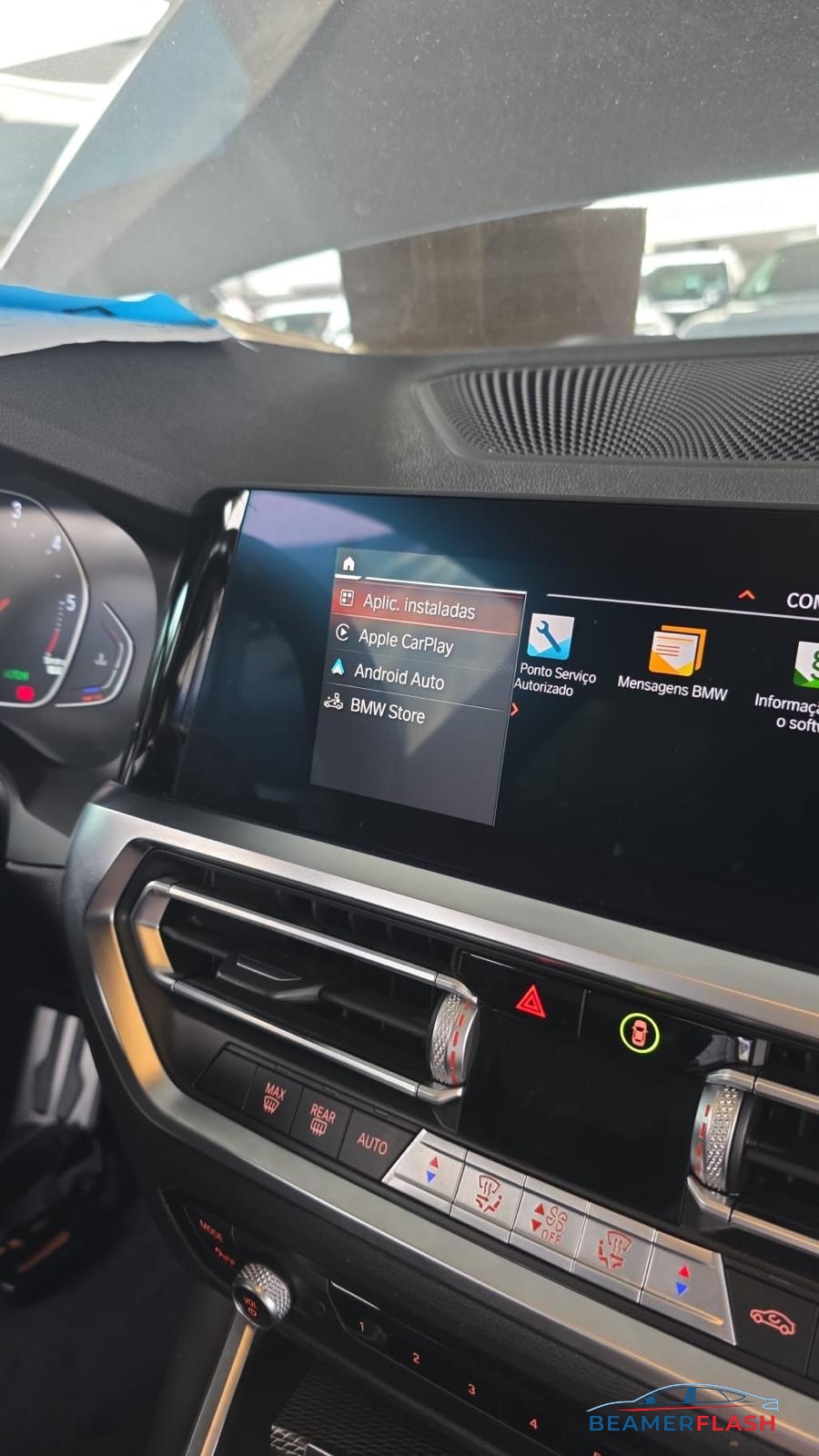
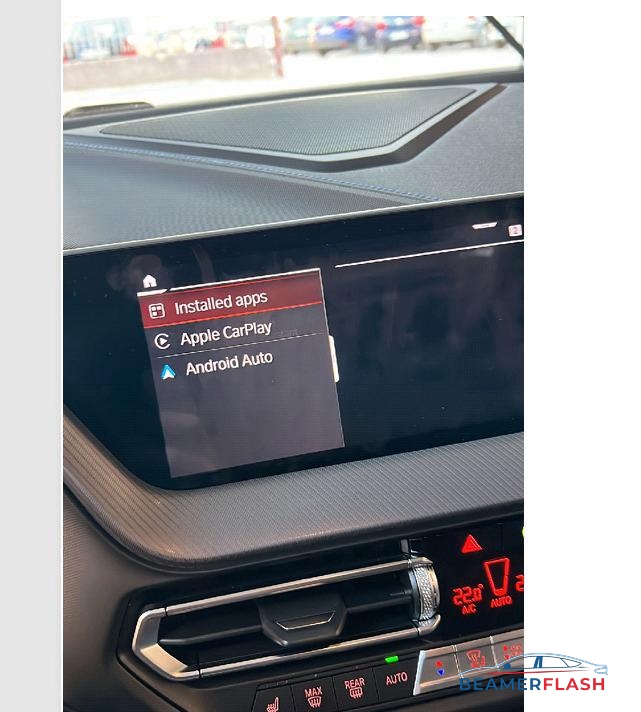
MGU Carplay & Android Auto Activation
Original price was: 200,00 €.99,00 €Current price is: 99,00 €.
Activate Apple CarPlay and Android Auto on any BMW with iDrive 7 & 8 (MGU)
This remote service is intended for compatible BMW vehicles equipped with an MGU head unit running iDrive 7 or iDrive 8. It will enable Apple CarPlay and Android Auto without replacing the head unit.
Fully compatible with all MGU vehicles — even those without factory navigation.
Send us a WhatsApp / skype/Facebook msg for faster response or even before you buy our service.
Select Navigation -> Scroll down to Settings -> Scroll down to Position and Version -> Select Version Information
Road Map Live = MGU ID7
Road Map JOY = MGU ID8
We can activate Apple Carplay & Android auto on any MGU ID7 or ID8 during a remote session that you only need is an ENET CABLE.
*Fully Compatible with all MGU vehicles – Even if you don’t have factory navigation(Maps).
*All Regions compatible.
*Even if you have blocked Connected drive/ATM or don’t have ATM.
*Our Solution doesn’t deactivate ATM(Telematics) or Any BMW service.
*Our Procedure takes about 20 min.
*Our Solution is not PROVISIONING!!
No refund possible! Please contact us via WhatsApp / Skype / FBK Or Email if you have more questions! OR even if you are in a hurry.
We can Convert From JAPAN to EUROPE / Korea to Europe / USA to Europe any NBT/NBTEVO/MGU
Requirments
Laptop – Windows 8 or 10/11 x64
Laptop RAM – minimum 8GB – recommended 16GB
ENET Cable – You need to buy it online.
DO NOT use Ethernet to USB 2.0 Adapters. Only USB-C is accepted.
Windows C drive free space 20GB (SSD recommended)
Admin Rights on your laptop
Power Stabilizer for the car battery (We can do it without it, but is recommended to have one. If not, you will agree to do it, on your own risk!).
Strong Wi-Fi/Internet Connection – This ensures that the TeamViewer connection to your laptop is stable
Download TeamViewer Full Client, from Teamviewer.com and install it!
We will connect remotely on your computer for the procedure.
Connect a Windows 8,10,11 laptop to the car through an ENET Cable . If your laptop doesn’t have an ethernet plug, you can use an USB 3.0 or USB-C Adaptor
Using our software
Out software is tested before it was released. If you want to use it , you will use it on your risk! If your unit is getting bricked or is not working anymore after using our software, we will not refund. We don’t want to harm your unit or car but sometime can fail during an upgrade. So you need to be prepare for anything!


Darius –
Wonderful Team these guy!!! Activated Android Auto after i had somewhere else done Region change and could not activate it. THANK YOUU!!!